
Crew Request Queue
Staff jobs faster without phoning around. Set up a queue of candidates and a reply time, and easyjob 6 handles the requests for you.
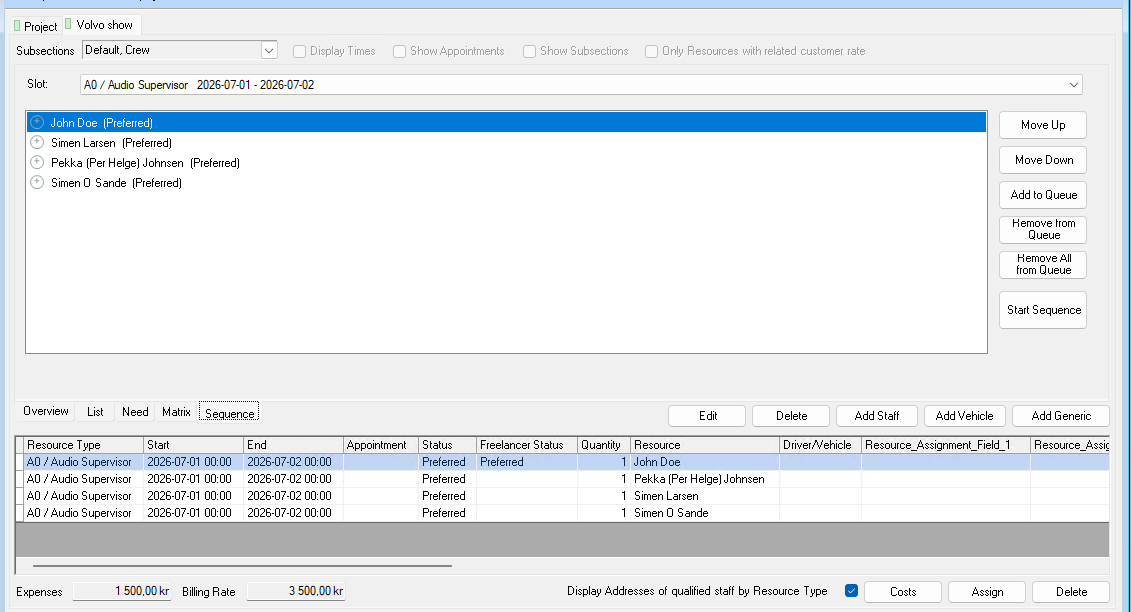
What Crew Request Queue does
Queue several people on the same resource booking, in the order you want
Set a reply timer per candidate
easyjob 6 sends the requests itself
If time runs out or the person declines, the next in the queue is asked automatically
A separate Sequence tab for priority order and reply times
The problem it solves
Finding crew for a job often means asking one person at a time and waiting. Forget to follow up and the booking is left hanging. With a queue and a timer the request moves on by itself.
Requirements
- easyjob 6 from Protonic Software
- PEMU Center (free, installed once on the server)
- The easyjob 6 module Resources
- The easyjob 6 module Workflow
More plugins
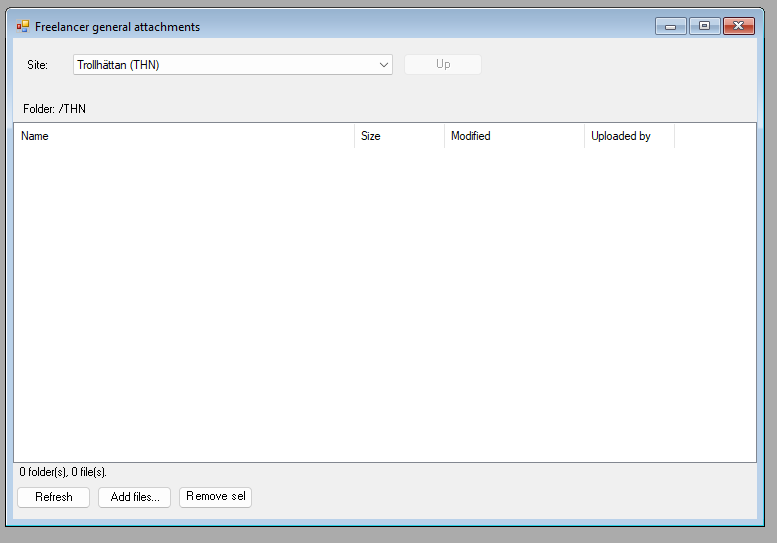
Dropbox Integration
A Dropbox folder per job, per project and per site, right inside easyjob 6. Share files without email chains.
Master Plan Board
Jobs, crew, vehicles, rooms and units on one timeline. With workload per employee and hotel and travel booking.
Sales Desk
A sales window for the job: items, crew, rooms and costs in one place, with the schedule and quotation texts alongside.
Want to see Crew Request Queue in your own easyjob 6?
We’re happy to show you how it works and set up a trial.