
Master Plan Board
All your planning on one screen. Master Plan Board brings jobs, crew, vehicles, rooms and mobile units together on one timeline, so you spot clashes and gaps before they become problems.
What Master Plan Board does
Jobs, crew, vehicles, rooms and units on one timeline
Assign resources with favourites, smart search, distances and rate card
Grouping and filters that match how you work
Workload view: hours per employee against contracted hours
Hospitality: hotels, flights, tickets and car seats for crew, linked to the job’s costs
Flags for things that need action
The problem it solves
In standard easyjob 6, planning is spread over several windows. Master Plan Board gives one overall picture of who and what is booked, and where people or equipment are missing.
Requirements
- easyjob 6 from Protonic Software
- PEMU Center (free, installed once on the server)
Latest versions
Every note on a crew booking now shows on the row in the plan board — the internal note, the customer comment and easyjob 6’s own comment, not just the crew sheet note. Click a note to change that one.
The plan board now shows on the job’s own lane how many room nights, tickets and car seat days the crew are still missing, and each person sees their own on their lane. A price for each ticket or night now works when you edit a job cost as well, a purchase order line says whose fare it is, and the board in easyjob 6’s web app now does what the one in the client does.
Hotel nights and travel bought at more than one price now read as a single booking in Master Plan Board instead of appearing twice everywhere. You also choose which price a person goes on, get the cheapest free seat suggested, and can move somebody to a cheaper price later.
Workshop orders now cover everything you repair, not just vehicles: an item or a single device in for repair shows on its own lane, and an order with no end date says it has been in since the day it arrived instead of inventing a return date. Whoever is planned to do the work shows as busy over the days they are booked, with the order number and what the repair is for. Every crew row now gives both the start and the end time of a shift, and a new filter down the left lets you choose which project types appear on the board.
A journey can now be booked with a price per ticket or per traveller – flight, train, ferry, taxi, bus or hire car – and the travellers’ names go straight onto the purchase order line. Several job costs for the same journey read as one journey, on the job card and in Hospitality alike, and the price can be changed straight from the job card.
More plugins
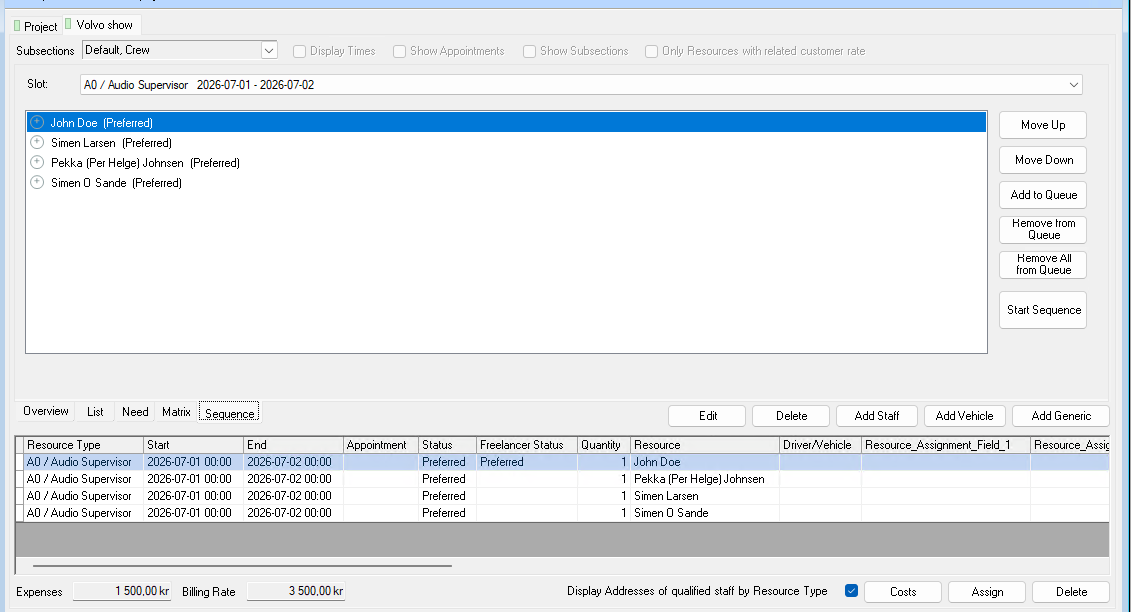
Crew Request Queue
Queue several people on the same booking. If someone declines or doesn’t answer in time, the next one is asked automatically.
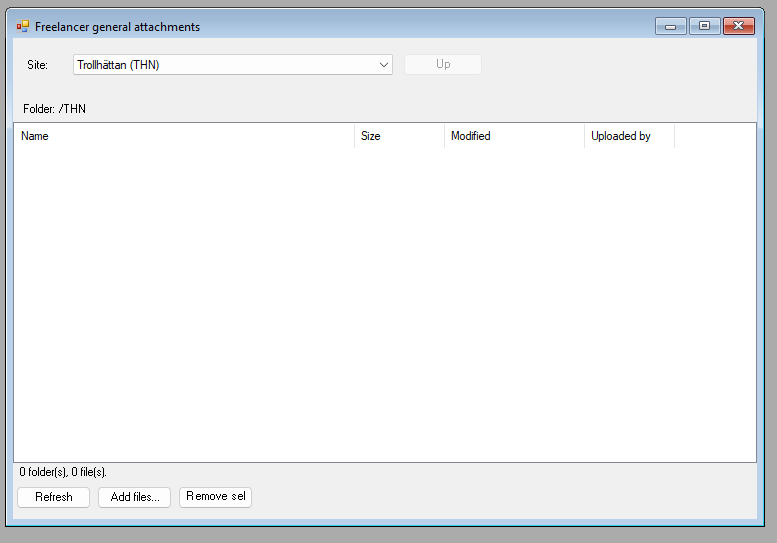
Dropbox Integration
A Dropbox folder per job, per project and per site, right inside easyjob 6. Share files without email chains.
Sales Desk
A sales window for the job: items, crew, rooms and costs in one place, with the schedule and quotation texts alongside.
Want to see Master Plan Board in your own easyjob 6?
We’re happy to show you how it works and set up a trial.