
Dropbox Integration
The right files in the right place. The Dropbox integration gives every job, project and site its own folder, visible right in easyjob 6 and shareable with everyone who has access to the folder.
What Dropbox Integration does
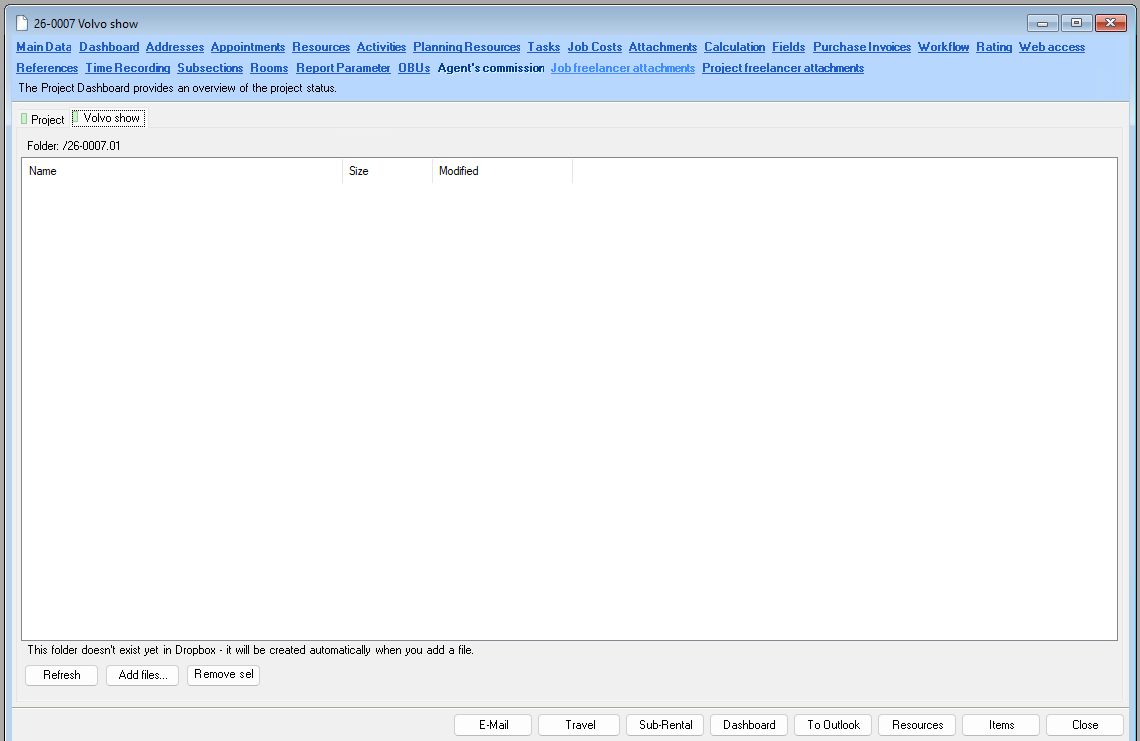
Job attachments tab in the job window, one folder per job number
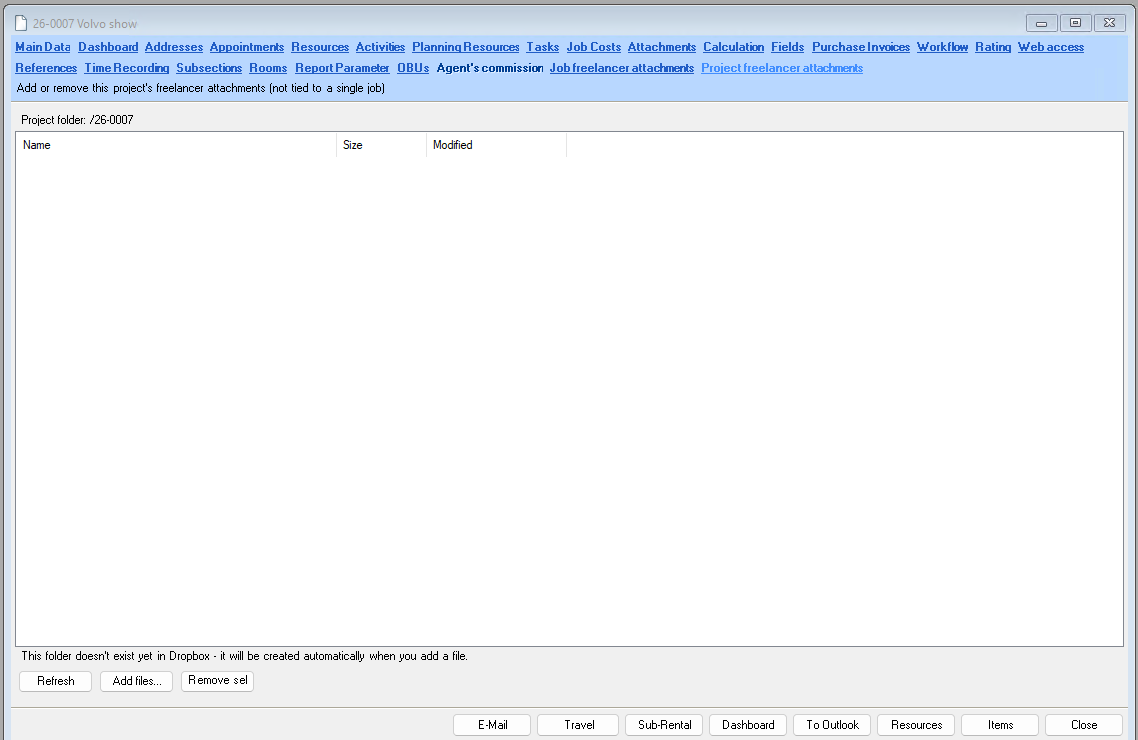
Project attachments tab, one folder per project number
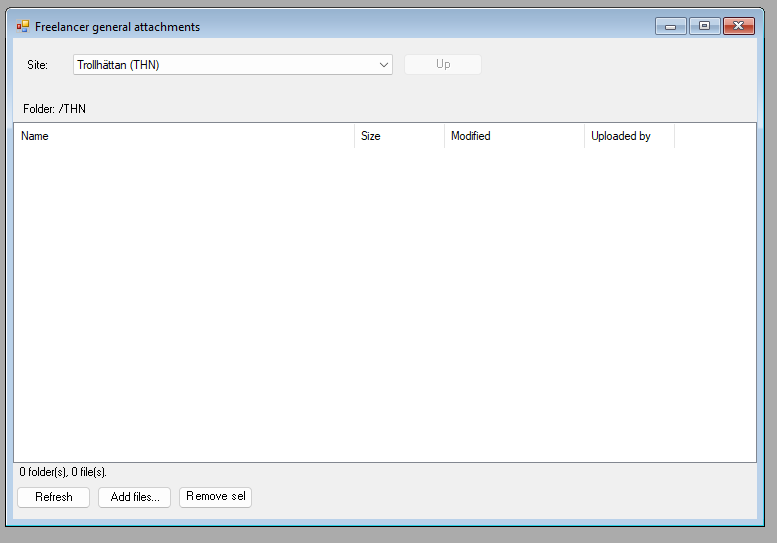
General attachments per site in the main menu
Browse, open subfolders, add and remove files and create new folders
See who uploaded each file, and optionally add the uploader’s initials to the file name
Choose the folder names yourself with templates, such as job number and year
Choose which sites get a folder, with a custom path per site
One Dropbox connection from your own Dropbox account, with a built-in guide
How it looks in easyjob 6
Click an image to enlarge it.
The problem it solves
Drawings, schedules and contracts otherwise end up in emails, chats and private folders. With a fixed folder per job and project everyone knows where the files are, and whoever needs a folder gets access to just that one.
Requirements
- easyjob 6 from Protonic Software
- PEMU Center (free, installed once on the server)
More plugins
Crew Request Queue
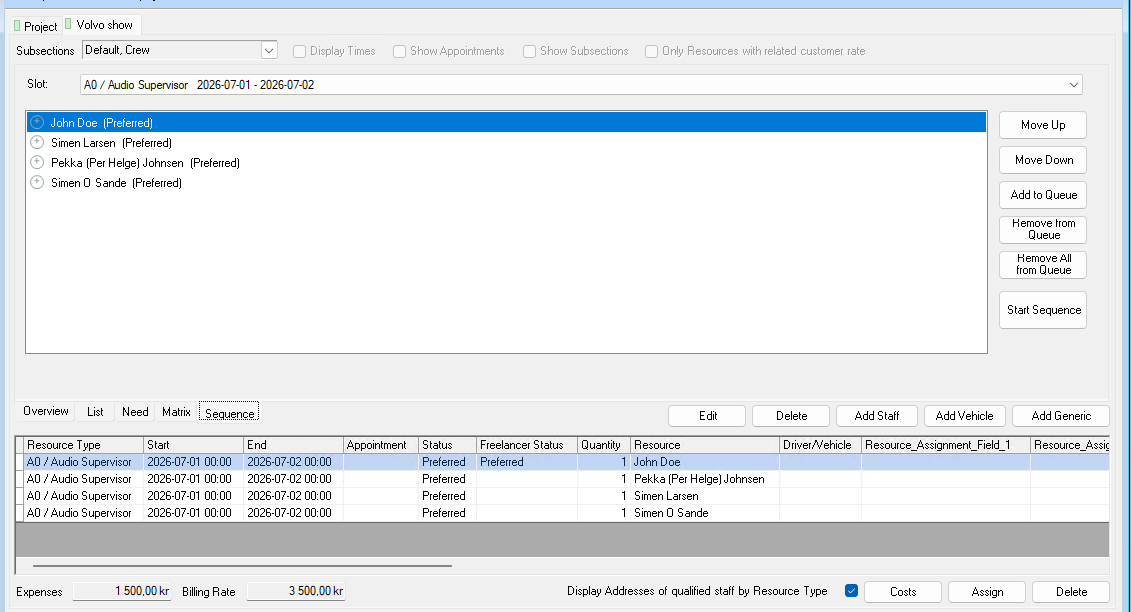
Queue several people on the same booking. If someone declines or doesn’t answer in time, the next one is asked automatically.
Master Plan Board
Jobs, crew, vehicles, rooms and units on one timeline. With workload per employee and hotel and travel booking.
Sales Desk
A sales window for the job: items, crew, rooms and costs in one place, with the schedule and quotation texts alongside.
Want to see Dropbox Integration in your own easyjob 6?
We’re happy to show you how it works and set up a trial.