
Project Profitability
See what each job actually earns. A Profitability tab shows contribution margins at three levels, planned next to actual.
What Project Profitability does
Margin 1: direct costs such as sub-hire, freelancers and job costs
Margin 2: own resources such as staff, vehicles and own equipment
Margin 3: overhead as a percentage of revenue, per site
Planned from the bookings, actual from supplier invoices and time cards
The problem it solves
The calculation in easyjob 6 doesn’t easily show what a job made once everything is invoiced.
Requirements
- easyjob 6 from Protonic Software
- PEMU Center (free, installed once on the server)
Latest versions
Project Profitability is here. A new tab in the project window shows your margin at three levels – after direct costs, after your own staff and equipment, and after overhead – planned next to actual, with a chart. You choose which jobs count, see every discount on its own line, and can preview a discount on equipment before applying it. Your own staff can be costed from salary or your own rates instead of easyjob 6's rate card.
More plugins
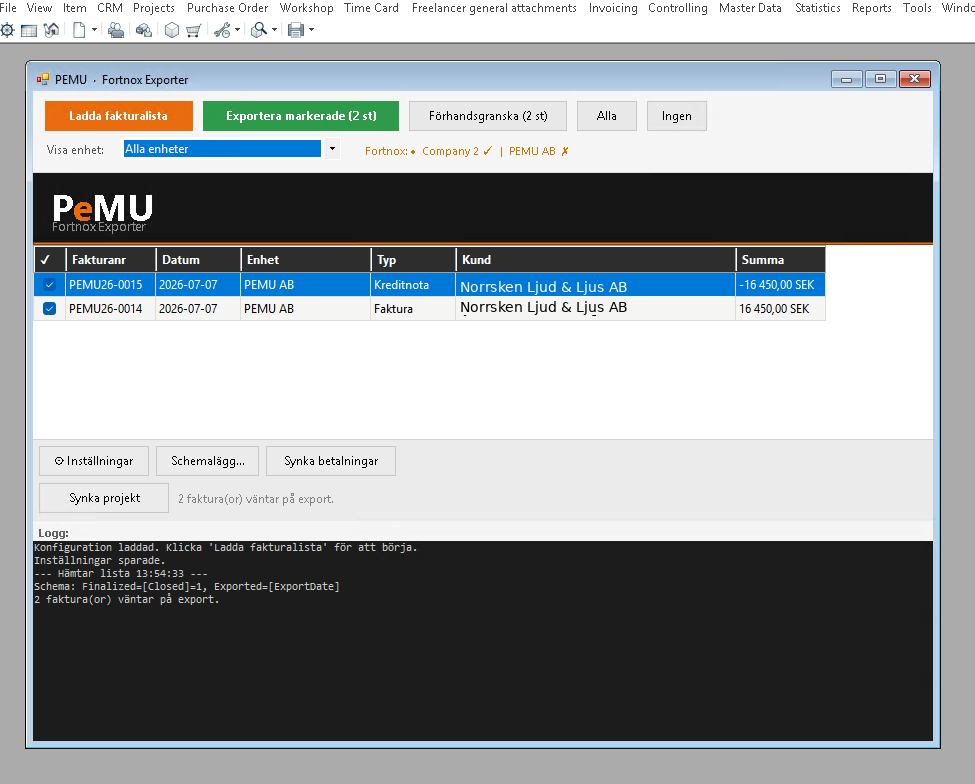
Fortnox Integration
Invoices, projects and customers from easyjob 6 to Fortnox, and payment status back. Scheduled or with one click.
Freelancer Rates via Excel
Export and import freelancer rates per role, rate card and site in Excel. No Office needed.
Freelancer Purchase Orders
Creates or extends the purchase order automatically when a freelancer is booked, and cancels it when the booking is cancelled.
Want to see Project Profitability in your own easyjob 6?
We’re happy to show you how it works and set up a trial.