
Spiris Integration
Finalised invoices in easyjob 6 go to Spiris as drafts or booked invoices, and customers, projects and payments are kept in step between the two systems.
What Spiris Integration does
Finalised invoices to Spiris, as drafts to check or booked straight away
Customers are found by customer number, organisation number, VAT number or email, and created when missing
Projects are created and updated in Spiris, by hand or on a schedule
Invoices paid in Spiris are marked as paid in easyjob 6
Each company in easyjob 6 is linked to its own company in Spiris
Preview every line before anything is sent, and an invoice is never sent twice
Scheduled run as a service on the easyjob 6 server
The problem it solves
Without an integration every invoice is entered once in easyjob 6 and once more in Spiris. That takes time every invoicing round, every manual line is a chance for errors, and nobody in easyjob 6 can see what the customer has paid.
Requirements
- easyjob 6 from Protonic Software
- PEMU Center (free, installed once on the server)
More plugins
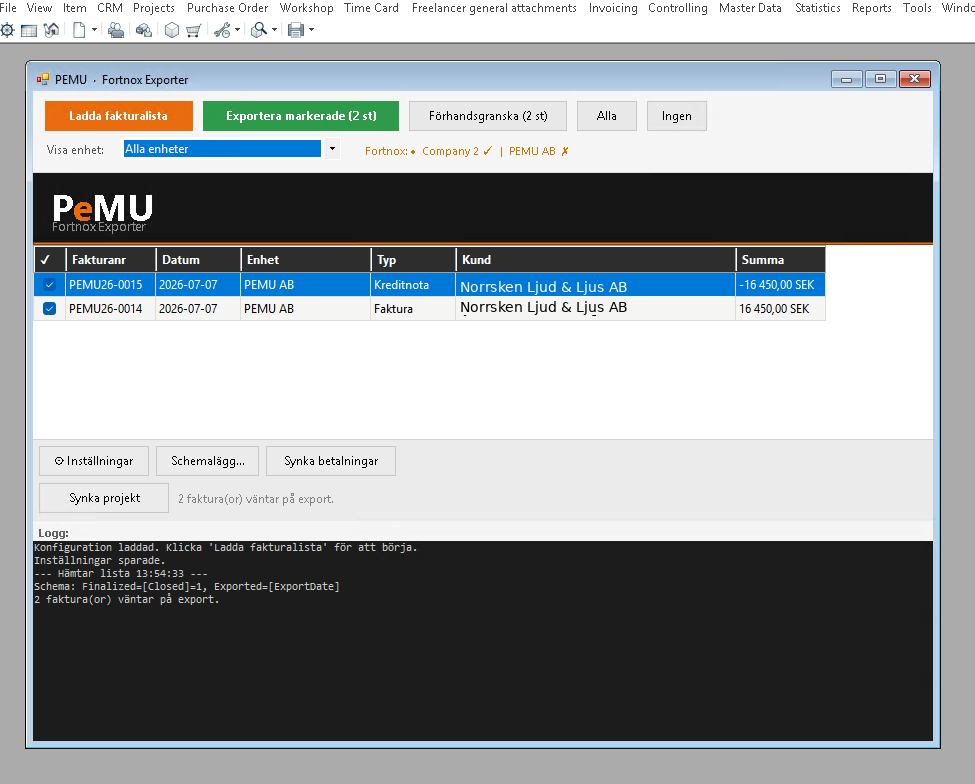
Fortnox Integration
Invoices, projects and customers from easyjob 6 to Fortnox, and payment status back. Scheduled or with one click.
Freelancer Rates via Excel
Export and import freelancer rates per role, rate card and site in Excel. No Office needed.
Freelancer Purchase Orders
Creates or extends the purchase order automatically when a freelancer is booked, and cancels it when the booking is cancelled.
Want to see Spiris Integration in your own easyjob 6?
We’re happy to show you how it works and set up a trial.