
Crew SMS
A changed call time, new parking or last-minute info – reach the whole crew in seconds, and see afterwards exactly what went out and to whom.
What Crew SMS does
The whole crew from the project’s jobs, with booking status
Pick confirmed or proposed jobs, then everyone, confirmed, requested or one by one
Search the whole address list and text everyone you pick
Sender per company, or your own number
Counts characters and SMS the way the operator does – å, ä, ö cost nothing extra
A copy to yourself
Everything sent is logged per recipient
Your own SMS gateway: LINK Mobility, Tellus or another, with test mode
The problem it solves
Collecting numbers and texting from a phone takes time, someone gets missed, and nobody knows what was actually sent.
Requirements
- easyjob 6 from Protonic Software
- PEMU Center (free, installed once on the server)
Works with
Latest versions
SMS anyone in the address list. A new SMS button on easyjob 6’s main toolbar opens a window where you search the whole address list by name, company, e-mail or mobile number. You can also filter by address type, role, site and country. Build a list of recipients. Add people one by one or add all shown. The list stays while you search again, as in Freelancer Hub’s batch invite. Write once, send to all. The same message card as in the project window: the counter, special-character help, the sender choice, a copy to yourself and test mode. You pick the sender from the companies’ senders, Me or the extra senders. You can personalise the message with {firstname} and {name}. Logged like project sends. Each send is logged per recipient as “Address list”. It shows in the window’s History tab and in PEMU Center’s log. You decide who can use it. PEMU Center > Crew SMS > Safety > SMS from the address list: users with the Edit job right (the default) only administrators and users with the Program Settings right nobody (the toolbar button is then hidden)
- New plugin: text the crew booked on a project's jobs, straight from the project window - Pick confirmed, proposed or all jobs, then everyone, confirmed, requested or one by one - SMS button on easyjob 6's toolbar: search the whole address list by name, company, e-mail or number, filter by address type, role, site and country, and send one SMS to everyone you picked - The sender is the company that has the job, set per company in PEMU Center. You can also send from your own mobile number, so replies come to you - A copy to yourself - The counter counts the way the operator does: å, ä, ö, æ and ø cost nothing extra. Characters that make an SMS more expensive are shown, with plain replacements - Everything sent is logged per recipient, with the text, number, sender and the gateway's answer - Your own SMS gateway: pswin.com / LINK Mobility, Tellus or another HTTP gateway, with a test mode that sends everything to one number - With Freelance PO Handler installed, Crew SMS can use the same pswin login - PEMU Center decides who can send from the address list
More plugins
Freelancer Purchase Orders
Creates or extends the purchase order automatically when a freelancer is booked, and cancels it when the booking is cancelled.
Crew Request Queue
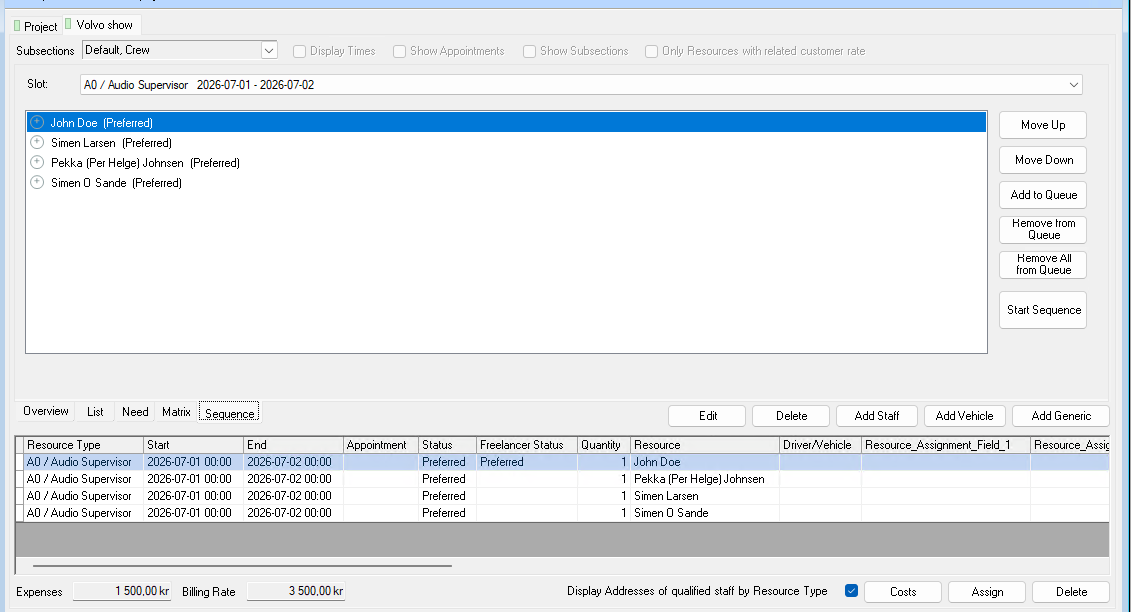
Queue several people on the same booking. If someone declines or doesn’t answer in time, the next one is asked automatically.
Dropbox Integration
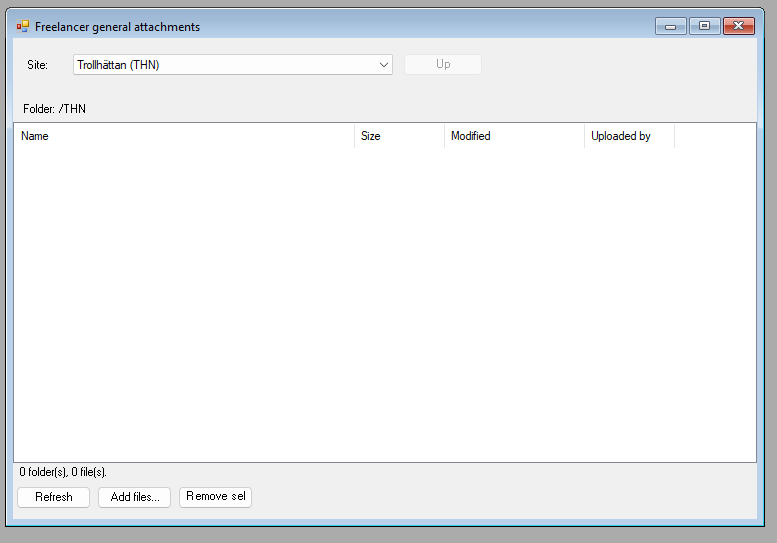
A Dropbox folder per job, per project and per site, right inside easyjob 6. Share files without email chains.
Want to see Crew SMS in your own easyjob 6?
We’re happy to show you how it works and set up a trial.