
Crew Survey
Feedback after every job, without anyone having to remember. Set rules, and the survey goes to the right crew at the right time.
What Crew Survey does
Uses easyjob 6’s own surveys
Rules per company, resource type and booking state
Sent at the start or end of the booking
Test mode to try the rules before they go live
The problem it solves
Surveys that have to be sent by hand don’t get sent. With rules it happens automatically.
Requirements
- easyjob 6 from Protonic Software
- PEMU Center (free, installed once on the server)
- The easyjob 6 module Surveys
More plugins
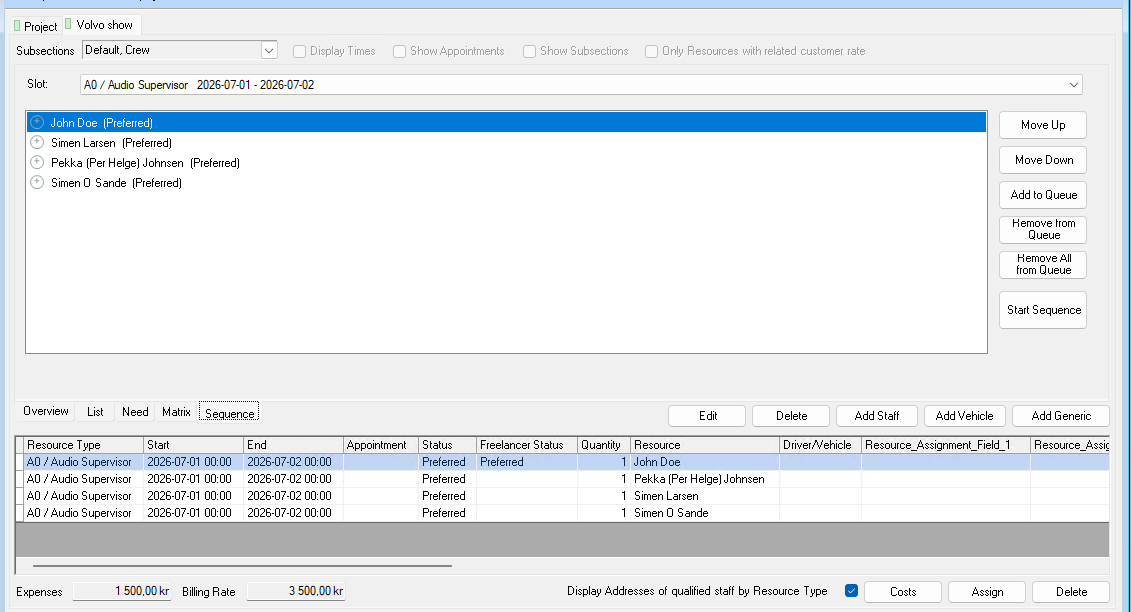
Crew Request Queue
Queue several people on the same booking. If someone declines or doesn’t answer in time, the next one is asked automatically.
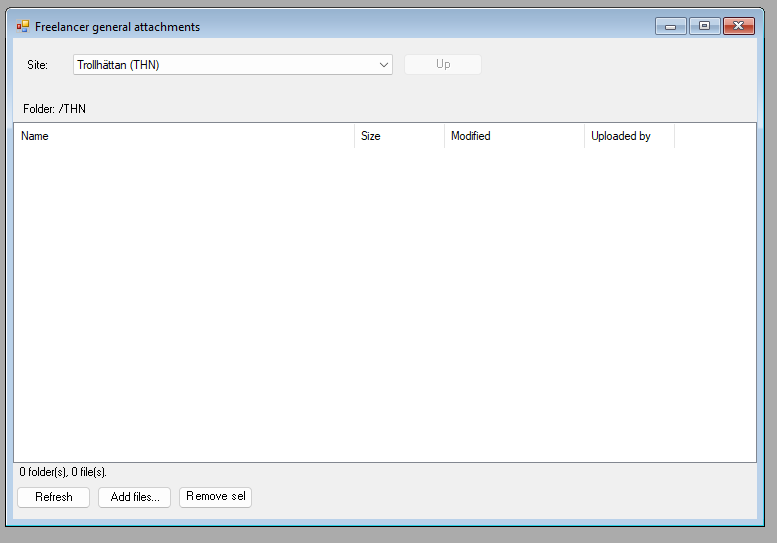
Dropbox Integration
A Dropbox folder per job, per project and per site, right inside easyjob 6. Share files without email chains.
Master Plan Board
Jobs, crew, vehicles, rooms and units on one timeline. With workload per employee and hotel and travel booking.
Want to see Crew Survey in your own easyjob 6?
We’re happy to show you how it works and set up a trial.