
OBU Timeline
OBU Timeline shows how the equipment in one or more OBUs is used over time. Pick the OBUs and a period, click Calculate, and you get a grid with one row per item and one column per day. Each cell shows how many are left that day. Overbookings show in red, and the same window lets you book transfer jobs that bring in what is missing or take out what isn't used.
What OBU Timeline does
Day-by-day grid per item and OBU, with overbookings marked in red and spare capacity in green
Set the period by dates, from a first to a last job, or for a single job
Filter to all items, overbooked only or unused only
Linked accessories are grouped under their main item
Choose whether proposed jobs count; canceled and tentative jobs never do
Book transfer jobs straight from the result, into or out of the OBU, with source, target, quantity and lead time
Swap a booked item for an alternative on the affected jobs, as long as it hasn't been checked out yet
Buttons in the job window to create a transfer job or a return transfer job
The problem it solves
An OBU carries its own stock and moves from job to job. What it needs changes with every booking, and easyjob 6 doesn't make it easy to see how that looks across a whole period. Planners go through the jobs one by one and do the maths themselves to find a shortage on a given day, or equipment left on board for no reason. Once a shortage is found, a transfer job then has to be created and filled in by hand.
Requirements
- easyjob 6 from Protonic Software
- PEMU Center (free, installed once on the server)
- The easyjob 6 module Outside Broadcast Unit
More plugins
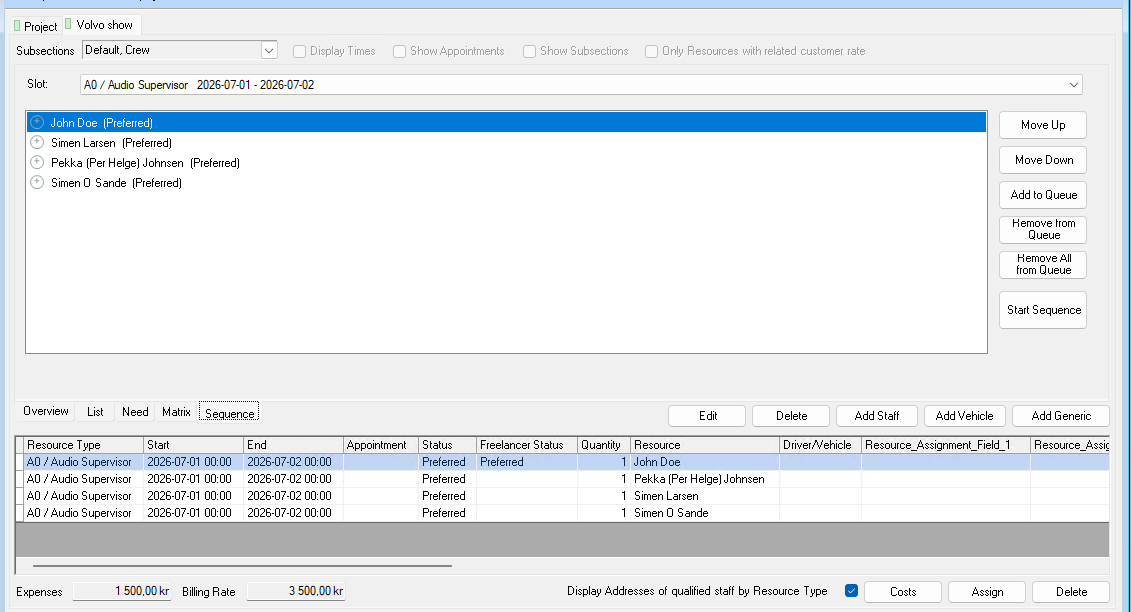
Crew Request Queue
Queue several people on the same booking. If someone declines or doesn’t answer in time, the next one is asked automatically.
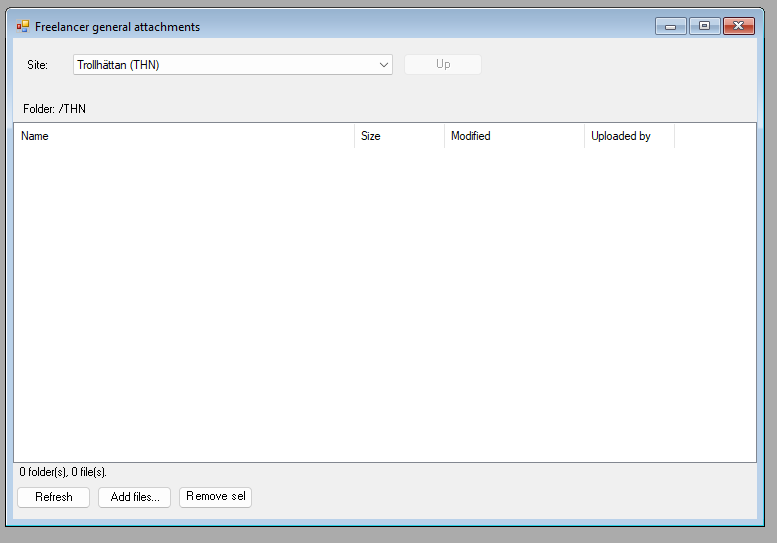
Dropbox Integration
A Dropbox folder per job, per project and per site, right inside easyjob 6. Share files without email chains.
Master Plan Board
Jobs, crew, vehicles, rooms and units on one timeline. With workload per employee and hotel and travel booking.
Want to see OBU Timeline in your own easyjob 6?
We’re happy to show you how it works and set up a trial.