
Rate Card Audit
Old prices on new bookings? easyjob 6 copies the price when the resource is planned, so a changed rate card doesn’t carry through. Rate Card Audit finds the differences.
What Rate Card Audit does
Lists bookings whose prices differ from the rate card
Updates the price on the bookings you choose
Filters for site, sales pipeline, project, resource type, role and period
The problem it solves
easyjob 6 copies the rate card’s prices onto the booking when a resource is planned. If the rate card changes afterwards, the old price stays on the booking.
Requirements
- easyjob 6 from Protonic Software
- PEMU Center (free, installed once on the server)
- The easyjob 6 module Resources
Latest versions
Rate Card Audit now also works in easyjob 6's web app. Find bookings that no longer match their rate card and reprice them straight from the browser.
Rate Card Audit now also finds bookings where someone moved an hour boundary on the rate card or added a new hour band. The band prices still match in that case, so the booking looked correct although it was priced on the old hours - and the suggested new price now shows the same total easyjob 6 itself arrives at, including when the card has fixed price set.
Rate Card Audit now has a new window that works like the Master Plan Board: filters on the left, the list fills the window and every column sorts. You also see at a glance which bookings are already on a purchase order – updating changes the booking only, so the purchase order has to be corrected separately.
Rate Card Audit now shows the correct estimated price for rate cards where the price depends on the hours worked.
More plugins
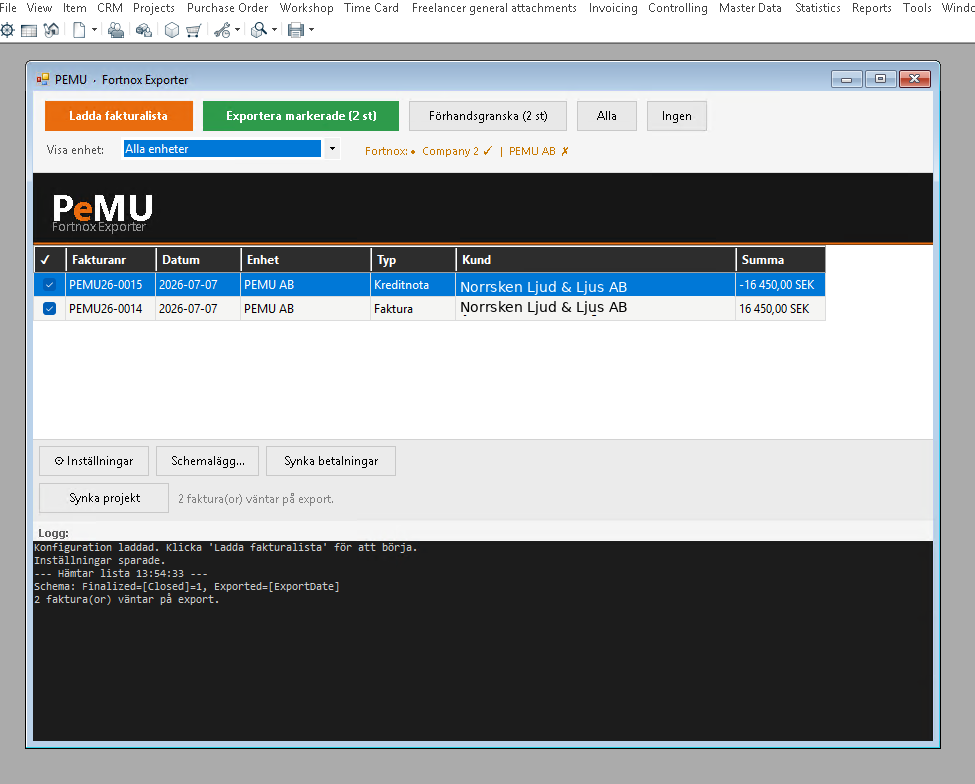
Fortnox Integration
Invoices, projects and customers from easyjob 6 to Fortnox, and payment status back. Scheduled or with one click.
Spiris Integration
NewInvoices, customers, projects and payments between easyjob 6 and Spiris Bokföring & Fakturering (formerly Visma eEkonomi).
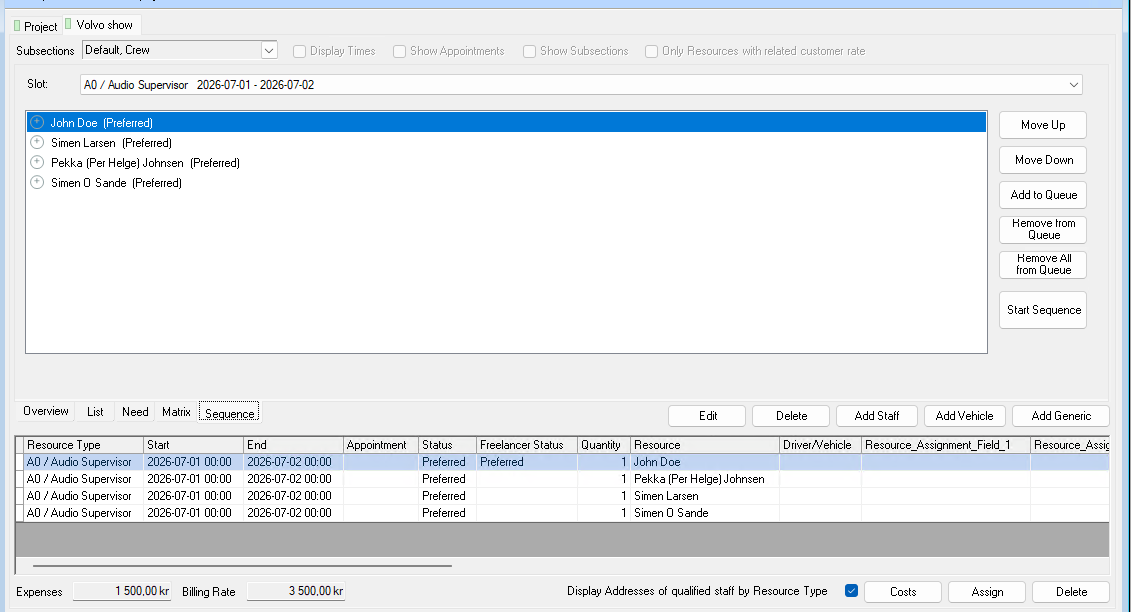
Crew Request Queue
Queue several people on the same booking. If someone declines or doesn’t answer in time, the next one is asked automatically.
Want to see Rate Card Audit in your own easyjob 6?
We’re happy to show you how it works and set up a trial.