
To-do
To-do gives every easyjob 6 user their own list and lets teams share the work. Every to-do is an ordinary easyjob 6 task or phone call. It still shows on its job, project or address, and easyjob 6's reminders keep working. What it adds is teams and one window to work through it all.
What To-do does
A To-do button on the menu bar shows how many to-dos are late or due today, plus team to-dos nobody has taken yet
My to-dos grouped into late, today, tomorrow, this week and later
Quick add: type a line and press Enter, pick the date, task type and who does it
Link a to-do to a job, project or address, and open it in easyjob 6's own window
Teams with a board each: drag a card to a colleague, take it yourself or hand it back
See what you have given to others and what you and your teams finished lately
Follows easyjob 6's activity rights, and every change to a team to-do is logged
A clean-up closes old open tasks and calls in one go, and can be undone
The problem it solves
easyjob 6 can already put tasks and calls on users, but they are rarely used. Each activity is visible to one person only, and there is no single place to see what is late, what you handed to colleagues or what the team has on. To-dos end up on sticky notes, in emails and in people's heads, and when someone is away nobody knows who should take over.
Requirements
- easyjob 6 from Protonic Software
- PEMU Center (free, installed once on the server)
Latest versions
To-do now shows only the teams you are in. Administrators also see the other teams, so they can manage them. Only a team’s leads, whoever made the team and administrators can rename it and change its members and leads, and a team always keeps at least one lead. Anyone can make a team with + New and leads it.
More plugins
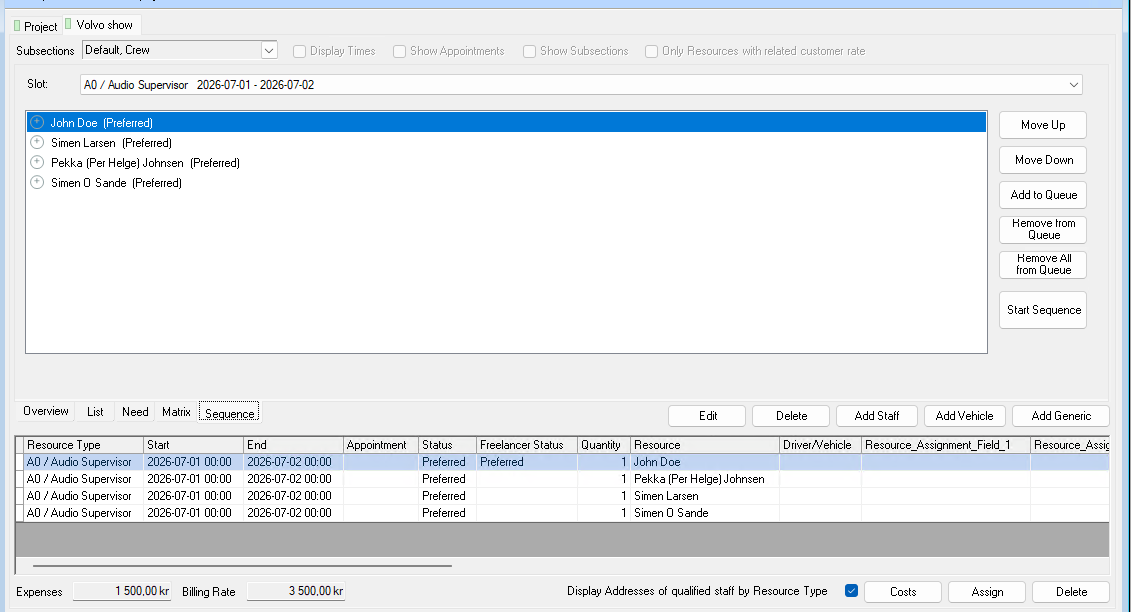
Crew Request Queue
Queue several people on the same booking. If someone declines or doesn’t answer in time, the next one is asked automatically.
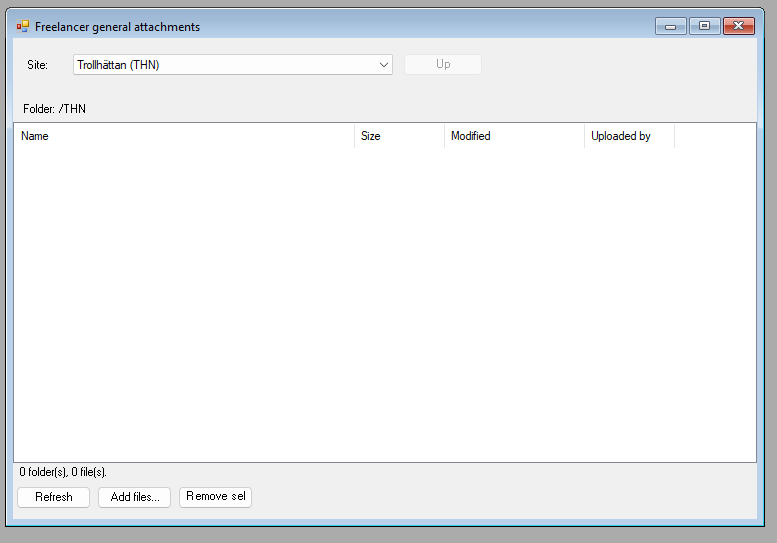
Dropbox Integration
A Dropbox folder per job, per project and per site, right inside easyjob 6. Share files without email chains.
Master Plan Board
Jobs, crew, vehicles, rooms and units on one timeline. With workload per employee and hotel and travel booking.
Want to see To-do in your own easyjob 6?
We’re happy to show you how it works and set up a trial.